
Loyalty programme
Enrol customers, let them earn points at the till and on sales, spend points as a discount, move through tiers and keep points liability in the books.
What it is
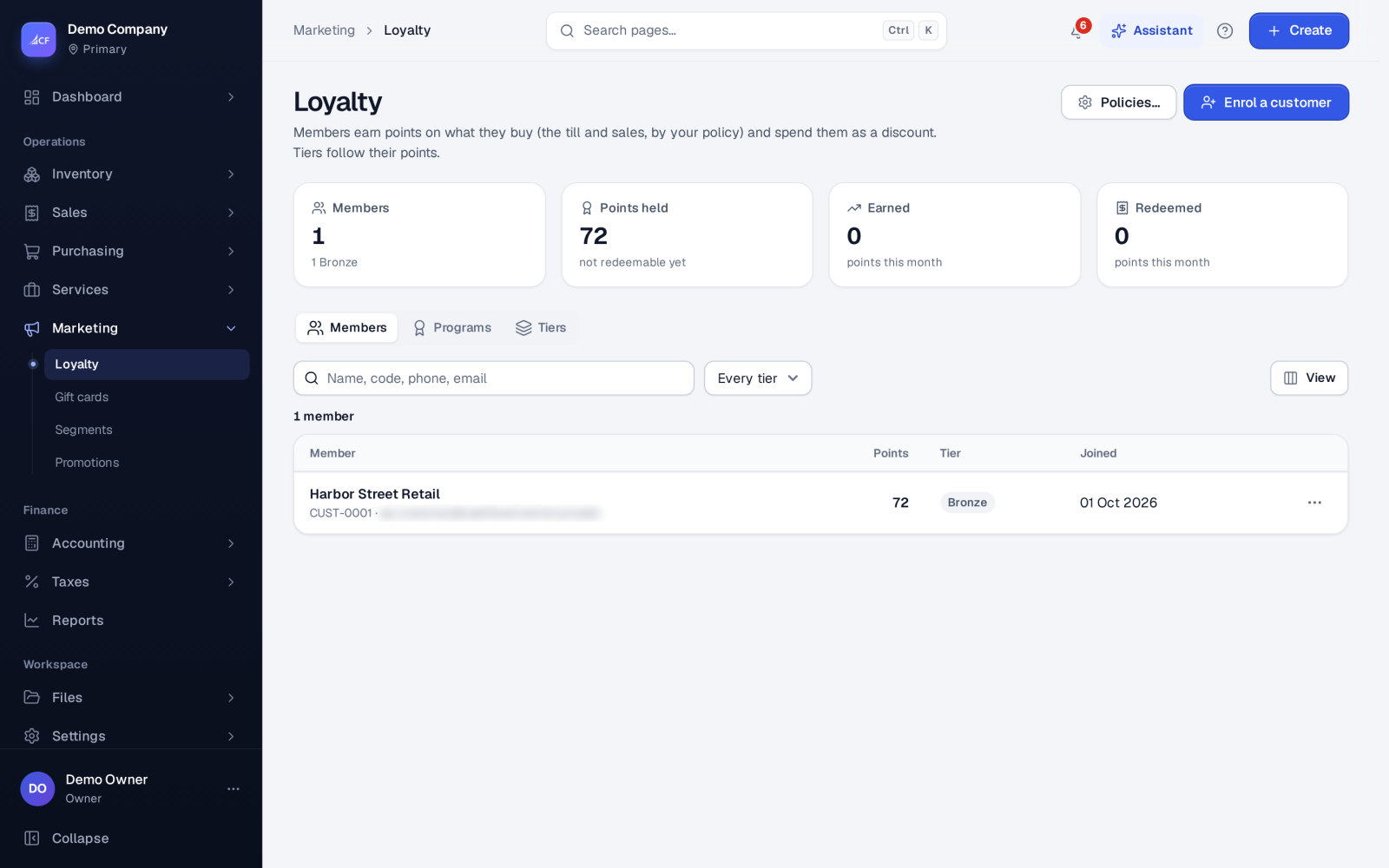
The loyalty programme lets members earn points on what they buy and spend them as a discount. Points are earned at the till and on other sales, depending on your policies. A member's tier follows their points. The Loyalty screen has three tabs: Members, Programs and Tiers.
Every change to a member's points is a line in their history, whether it came from a sale, a return, a hand-made adjustment or the nightly expiry.
Who it is for
- Shops that want repeat customers to come back
- Retailers who sell at the till and online and want one points balance per customer
- Accountants who need the value of unspent points shown as a liability
Before you start#
- Rights on Loyalty: view; add (enrol, award, redeem, programmes); edit; delete.
- Points belong to customers, so the customer must exist first (see customers).
- To keep points liability in the books, the Loyalty Points Liability account must exist in your chart of accounts.
Step by step#
- Open Marketing › Loyalty, go to Programs and add a programme. Set the points earned per unit of your currency, the points needed per unit of your currency when redeeming, the start date and how many months it runs.
- Go to Tiers and set the point thresholds for each tier. Each threshold must be higher than the one before.
- Choose Policies… and set how points are earned (see below).
- Choose Enrol a customer and pick the customer. They keep any points they already had.
- Sell as usual. At the till, pick the customer to see their points and tier, and enter points to redeem as a discount.
Policies#
Policies… sets the rules the till, sales, returns and the nightly job all follow:
- Earn at the till and earn elsewhere (on other sales). Both are on by default.
- Earn basis: on the amount net of tax (default), or on the grand total.
- Minimum order to earn points.
- Claw back on return: points earned on goods that come back are taken off (on by default).
- Refund redeemed points on return: points spent on a returned sale are given back (on by default).
- Expiry: points expire after a number of months without activity. 0 means they never expire (the default).
- Points liability accounting: off by default.
Policy changes are recorded in the audit log.
Members#
From the member list you can pause, cancel or re-activate a membership, and award or redeem points by hand. A sale made while a membership was paused never earns points later. Each night, invoiced sales from the last 7 days that did not earn points during the current membership earn them then. After that, points past their expiry date expire.
How it posts to the books#
With points liability accounting off, points are tracked without journal entries.
With it on:
- Earning points defers part of the sale: Dr Sales, Cr Loyalty Points Liability.
- Redeeming or expiring points releases it: Dr Loyalty Points Liability, Cr Sales.
Limits and what is not there yet#
- At the till, points are redeemed on a plain sale only (a sale paid in full at once). Remove them for an account sale.
- The till uses the business's active programme's redemption rate. With no active programme, points cannot be redeemed at the till.
Questions#
Do customers lose points when they return goods?
By default, yes. The points they earned on the returned goods are clawed back, and any points they spent on that sale are given back. Both can be switched off in Policies….
Can I give points by hand?
Yes. Open the member and award or redeem points. The change goes into their history like any other.
What happens to a deleted programme?
Its members' history is kept. The history lines simply no longer point to a programme.
Can I limit a promotion to a loyalty tier?
Yes. A promotion's Who can use it rules can include loyalty tiers. See promotions.